Packaging preview
inklesso
Check how a package image holds up when color and ink coverage are reduced.
Images are processed locally in your browser. Nothing is uploaded.
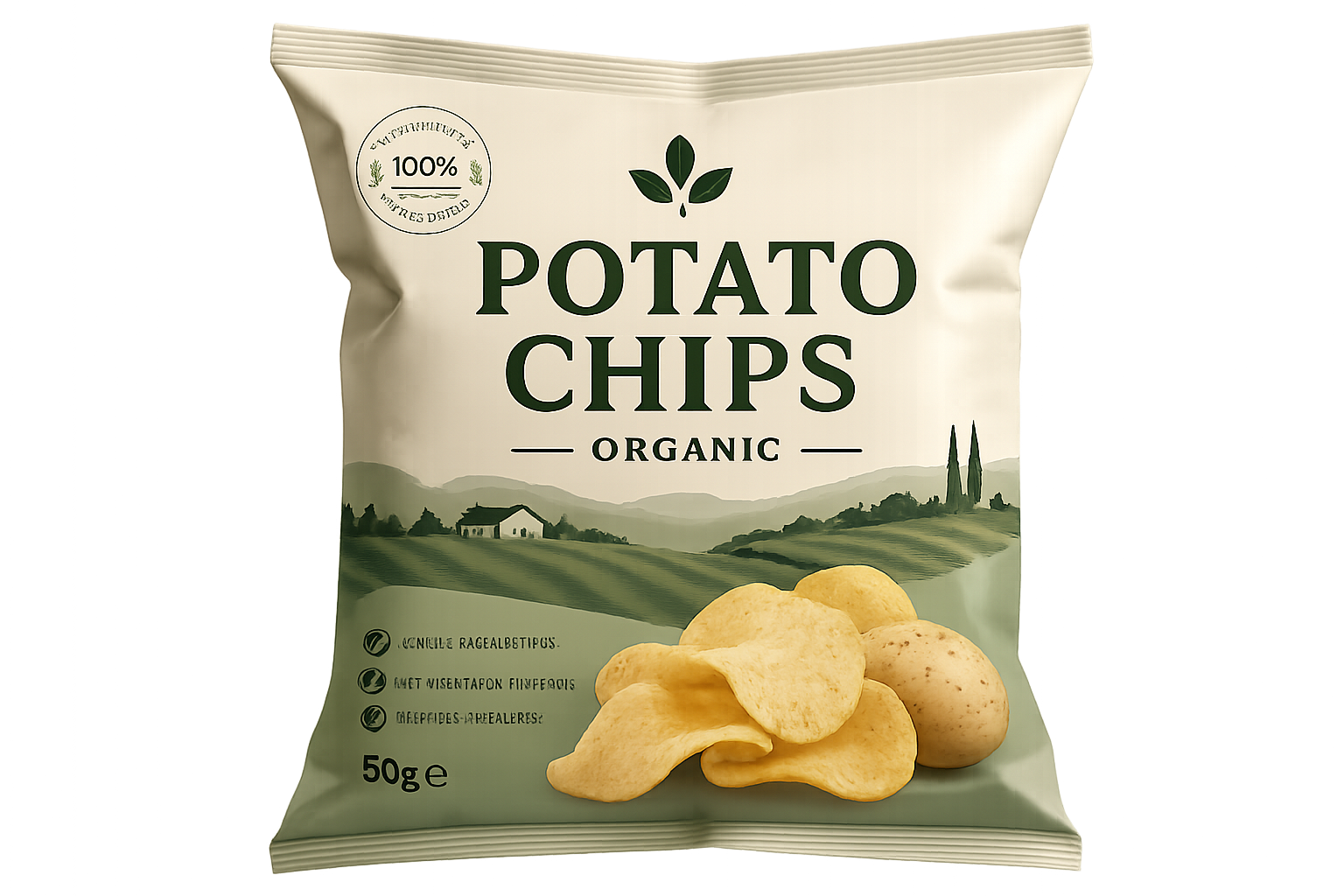
Use a package, label, or product image. The sample is ready to try.
Mode
A neutral monochrome preview that keeps most detail visible.
Upload an image or adjust the sample.
Ink saved is a visual estimate, not a print-production guarantee.
What it does
inklesso turns a package image into low-ink previews, then lets you compare the result against the original. It is useful for early checks before asking a designer or printer for production files.
Useful for
- Seeing whether a logo or product name remains recognizable.
- Checking monochrome, cardboard, and thermal-print fallback ideas.
- Exporting a quick PNG preview for review.
Notes
- The result is a browser-side simulation for discussion and planning.
- Actual production color, stock, and ink behavior should be confirmed with your printer.
- Large images are scaled down in the browser to keep the preview responsive.
FAQ
Are images uploaded?
No. The preview runs locally in your browser.
What does ink saved mean?
It is an approximate visual score based on darkness and color intensity before and after processing.
Can I use this for print approval?
Use it for quick review only. Final print decisions should be checked with production-ready data.